AI Dock Solutions
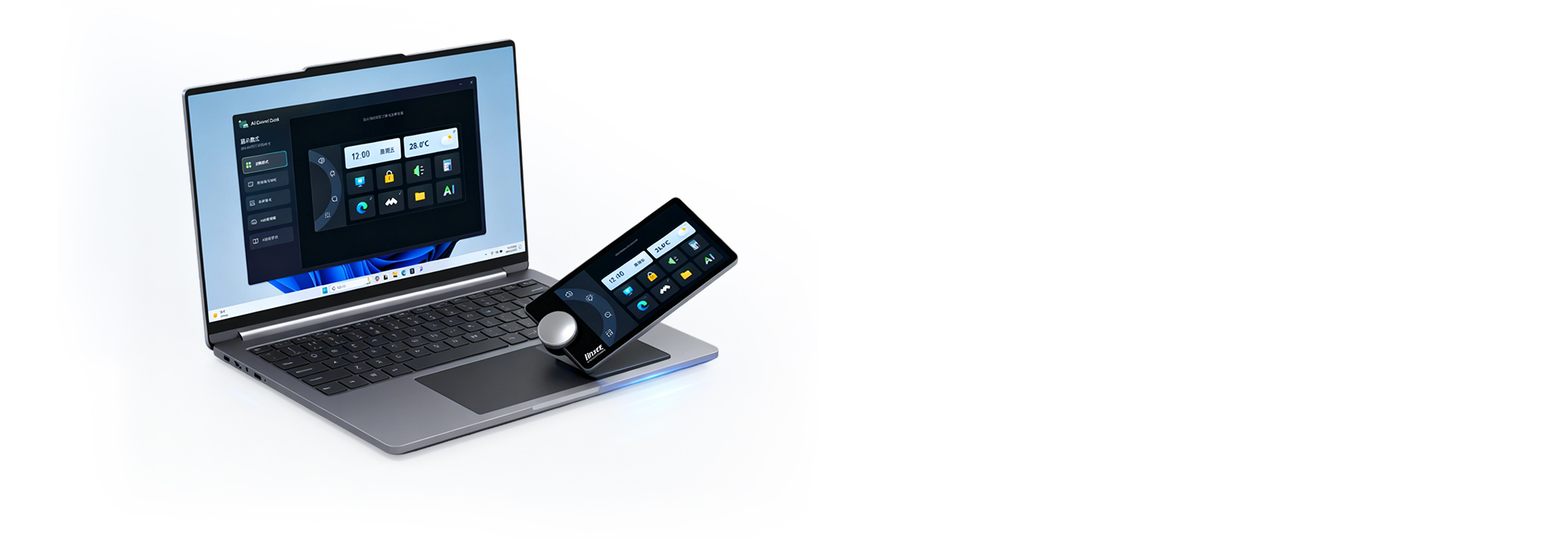
AI expansion dock
Auto-detects scenes (meetings, office, design, etc.). No need to remember shortcuts or manually adjust functions, significantly improving work efficiency. It can self-learn and become more humanized over time.
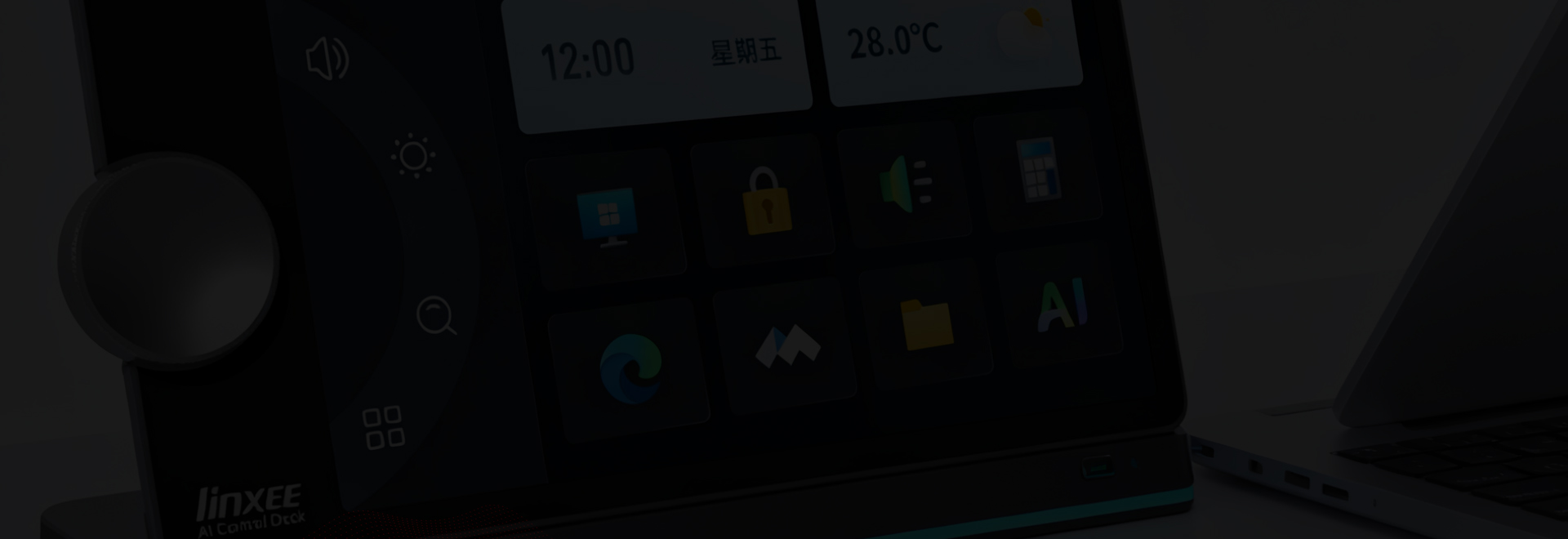
Hardware specifications
Rich Interface and Practical Configuration
Equipped with 1 USB-C upstream port (for connecting to a computer, enabling data transfer + control signal interaction);
Downstream ports include HDMI/DP (both supporting up to 4K@60Hz resolution), 2 USB-A ports (5Gbps transfer speed), a USB-C port (100W PD fast charging), and a Gigabit RJ45 port, meeting the needs of multi-device expansion;
Paired with a 6.9-inch capacitive touchscreen, 1 microswitch button, and 1 adjustable knob, offering a balance of display interaction and precise control.
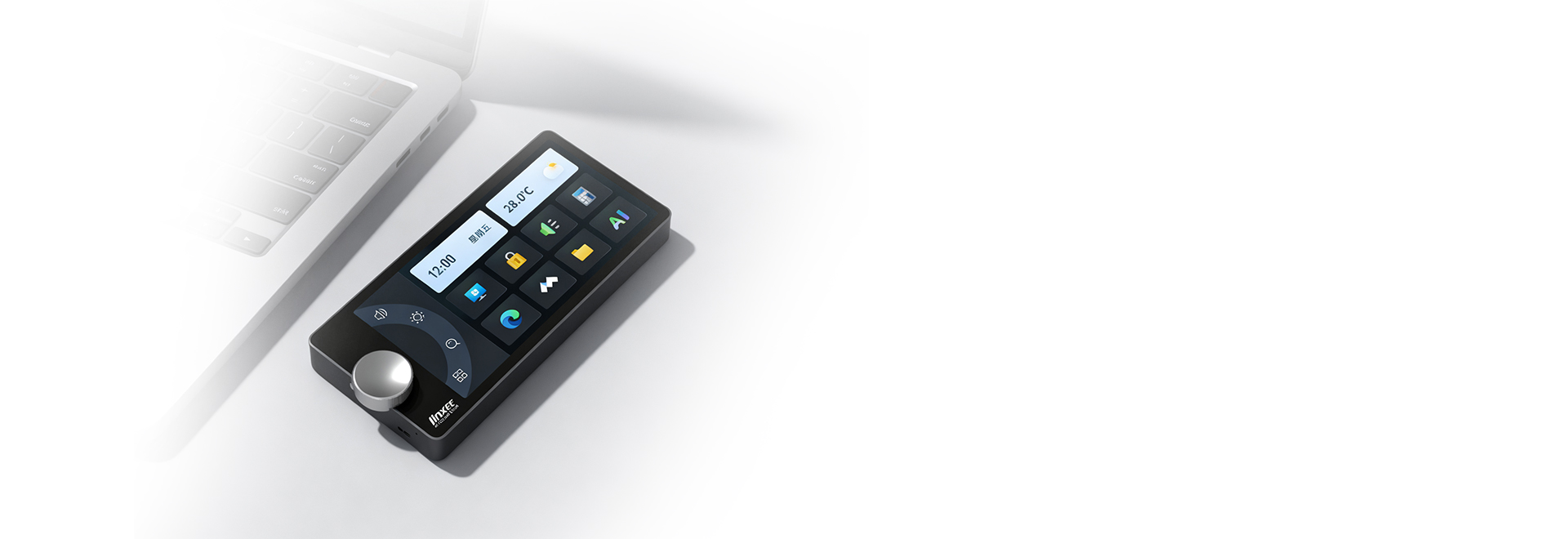
AI convenience + hardware efficiency + emotional comfort
AI automatically recognizes meeting and office scenarios, responds without the need for shortcut keys, and can learn user habits;
Hardware real-time monitors interface status;
Supports electronic photo album to display favorite photos, enhancing desktop usage experience.
Interaction and software
Multi-Mode + Highly Customizable
Three interaction modes: button mode (knob adjustment + touch virtual buttons), information display mode (showing interface/mobile hard drive/mouse/monitor status information), and frame mode (photo + quote);
The client supports one-touch mode switching, data synchronization, and allows customizing button functions, software settings, and weather display location.

More AI capabilities
Scene Follow + Self-Learning
AI Scene Following: Recognize the current running computer application, automatically summarize/translate content in meeting mode, and adapt exclusive features for office software;
Self-learning: Select commonly used web pages, folders, and programs, and automatically add them to the docking station.